
Table of Contents
Overview
The Azure Red Team Expert (AzRTE) is one of three cloud red team certs offered by HackTricks Training, the other two being the AWS Red Team Expert and the GCP Red Team Expert. Training materials are delivered through video lectures, slides, a public notebook, and labs (tons of labs) on the HackTricks Training website.
The course and the broader HackTricks ecosystem were created by Carlos Polop, a security researcher and red teamer. He is the original author of the widely used HackTricks wiki and the creator of PEASS-ng (Privilege Escalation Awesome Scripts Suite), including tools like LinPEAS and WinPEAS. A few years back he began investing heavily in cloud assessments and these certifications are a product of that.
The Course
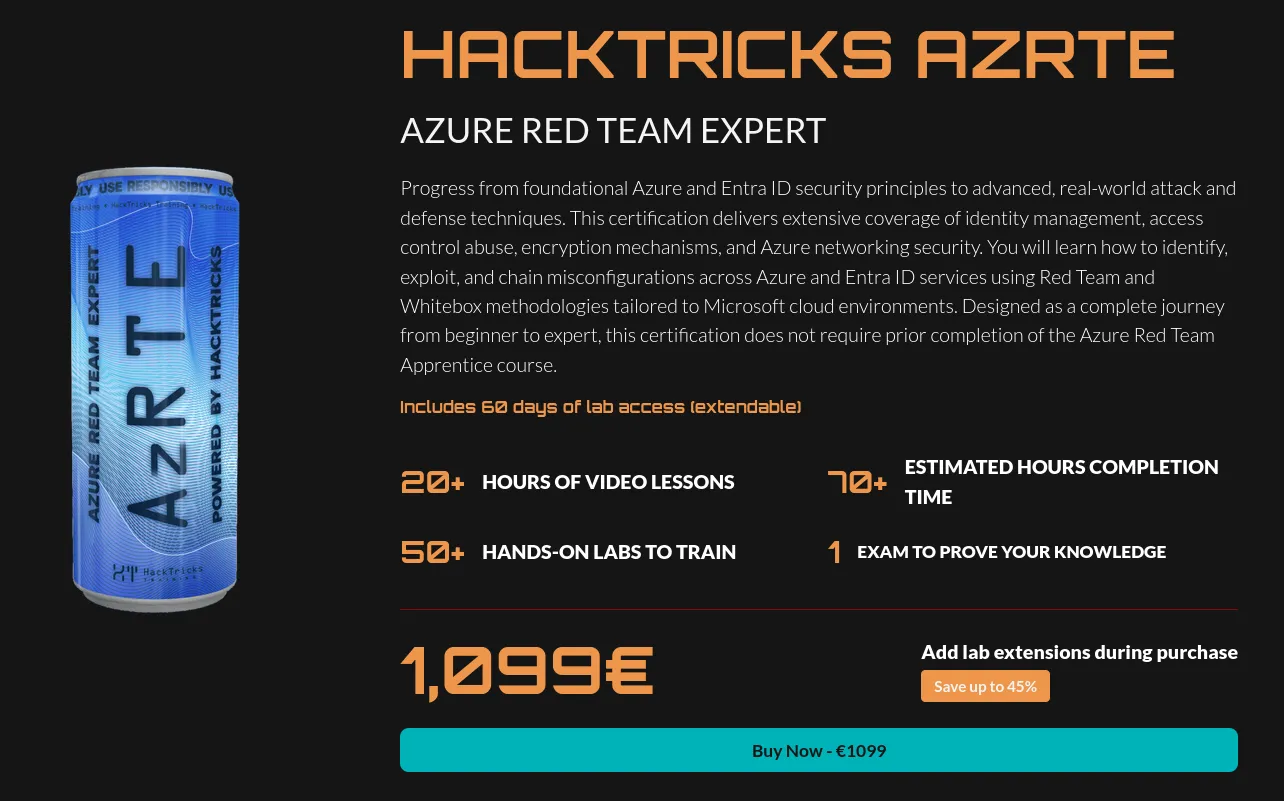
Big fan of the course overall; the materials really deliver a zero to hero experience, and at 1,099€ (~$1,300), it’s honestly what you’d expect for this price. You also get lifetime access to the course materials (excluding labs), so you benefit from all future updates as the team refines them. While previous pentesting or red teaming experience isn’t strictly required, it will definitely help you move through the material faster. The course is structured across five main sections: an AzRTE Presentation that sets the stage, an Introduction to Azure covering the essentials you need, the Exploitation of Azure Services (which forms the meat of the curriculum, broken down by service), Methodologies that teach frameworks for both White Box and Black Box assessments plus pivoting between Cloud and Active Directory, and finally Azure Security, which covers logging, detection capabilities, and security tools.
The general format for all of the sections is as follows:
- Lecture: These can be 30 minutes to ~ 3 hours long, with extra context provided while going through the slides.
- Slides: These vary in length but contain concise information for each technique.
- Labs: Between 1 and 9 labs per lecture where you put into practice the techniques taught.
- Notebook: cloud.hacktricks.wiki contains detailed commands and technical breakdowns of each technique.
The Labs
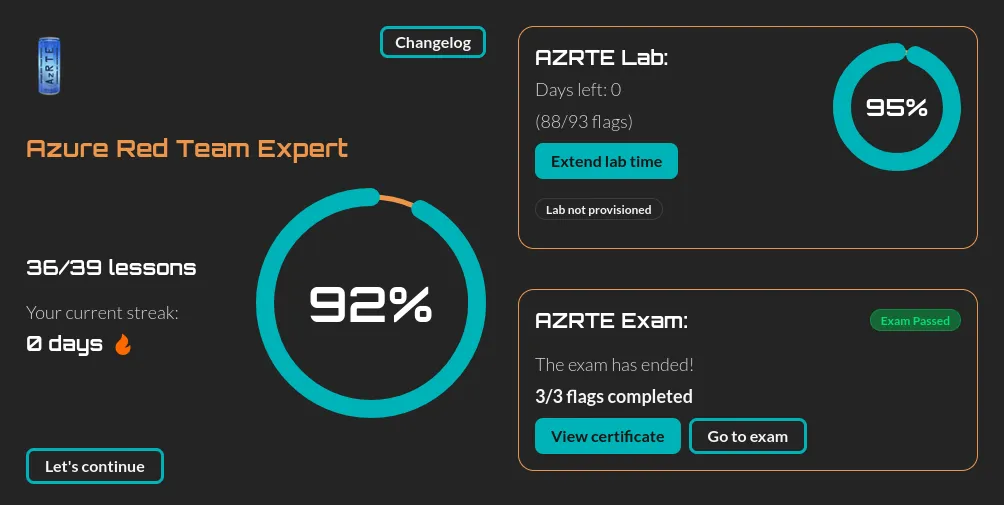
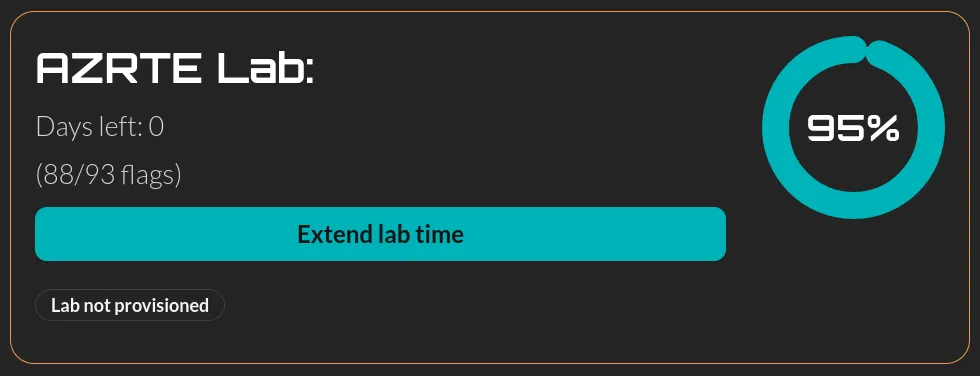
The labs are where this course truly shines, each lecture typically features multiple labs, with each one offering a chance to practice a single atomic technique. Since some labs take 45+ minutes to deploy, it’s worth pre-deploying before you start the lecture so everything’s ready when you need it. You’ll have 60 days of personal lab access (extendable for a fee), which gives you the freedom to experiment and break things without affecting other course members, though keep in mind you’ll need at least 60% lab completion to qualify for the exam. The overall experience is smooth, though I did encounter some deployment bugs that were resolved quickly through Discord but prevented me from finishing a few labs in time. Each lab includes a downloadable writeup (limited to 5 initially, but you can request more from support), and there’s also an AI assistant built in with access to the writeup content that can provide context-aware hints when you’re stuck. The course includes 60 days of lab access (which can be extended for a fee) in a subscription that’s deployed only for you, so you have the freedom to break things without affecting other course members.
Things I Liked
I love mofuggin AzurePEAS
CloudPEASS is a suite of scripts aimed at discovering all permissions over a resource assigned to a principal you control. It’s a rapid way to answer the question “What can I do?” in a blackbox context. AzurePEAS is really useful and it’s probably the tool I use the most outside of the course as well.
The Cloud HackTricks Wiki
If you’ve done pentesting in the past, you’ve probably used the OG hacktricks book. Well now there’s one for cloud and it’s great.
White Box & Black Box frameworks
The second to last section of the course provides a framework for performing blackbox and whitebox assessments end to end. This was great because it shows you how these assessments usually go and provides a nice jumping off point for developing your own methodology. I wish courses from other providers would offer this as well.
Tool agnostic & tools taught
The course places a lot of emphasis on using the Azure APIs directly as well as using azure provided tools like Azure CLI and Az powershell. Microsoft is notorious for making random changes to cloud APIs so using the official products ensure you’re not missing something with an automated tool.
Other stuff I liked
- The volume of content.
- Variety of services taught.
- Multiple labs per lecture.
- The LLM is cool.
Things I Didn’t Like
- Lab bugs.
- Lab deployment times.
- Writeup download limits.
- Only one section dedicated to Entra & AD pivoting.
The Exam
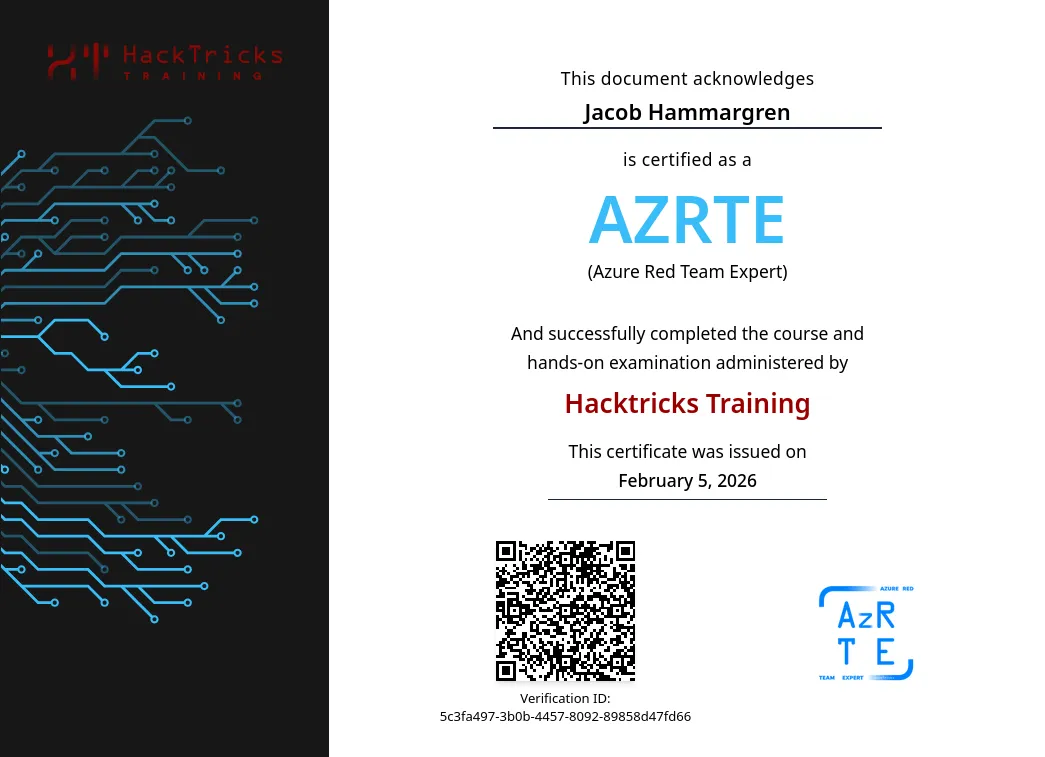
The exam was pretty fun! You get 12 hours to pivot around and access 3 flags. The course teaches you everything you need to know - no report, instant pass/fail. I had no problems with the exam environment; everything was deployed and ready for me during my scheduled time.
Final Thoughts
Overall I thought the course and exam were great and they fill a significant gap in the certification space for offensive cloud stuff. If you’re curious about Azure security and red teaming, this is a solid investment.
 ^ the time I met Carlos